Lecture AI listens to your lectures and meetings and writes the notes for you, with pictures that explain the hard parts. So you can actually pay attention.
One email when it launches. Nothing else.
We'll email you the day it's out. Know someone who needs better notes? Share it on X
The second you write one point down, the lecturer is already on the next.
Everyone leaves the meeting remembering a different version of what was decided.
And the recording you made just in case? Nobody listens to an hour of audio to find one sentence.
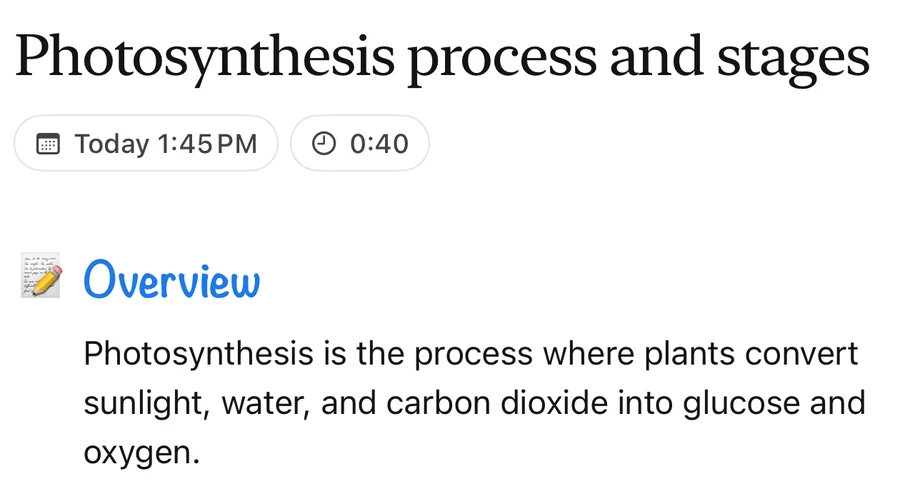
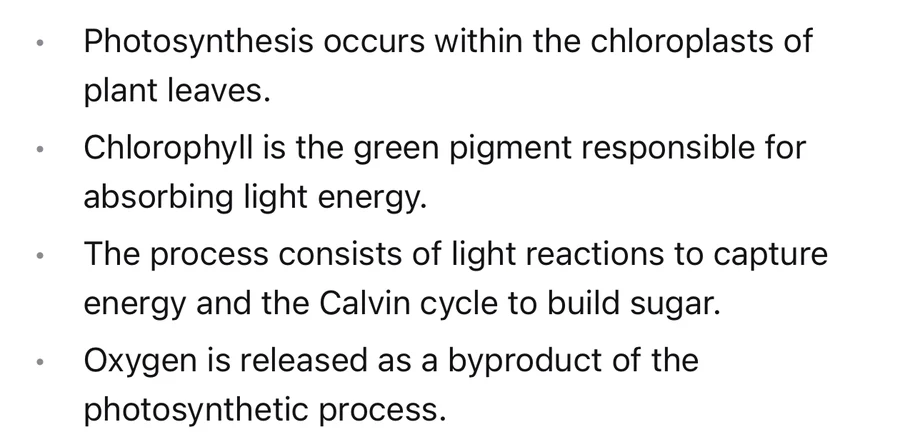

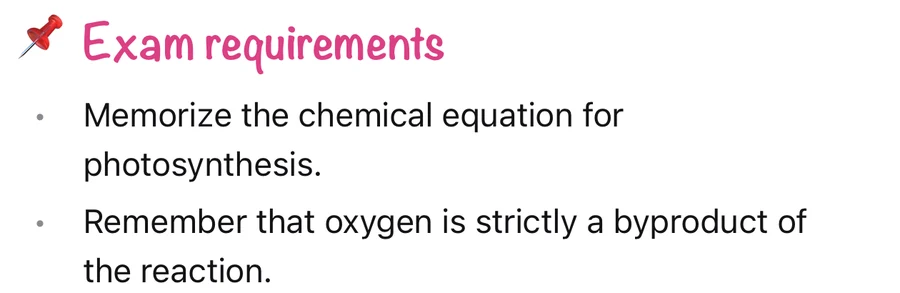
The right side is the real note the app wrote from a 40-second recording.
Every piece below came out of the app, from a single recording. No mock-ups.
The hard parts get drawn for you, labelled from what was said.
From what was actually said, not a textbook. Then a quiz to check yourself.
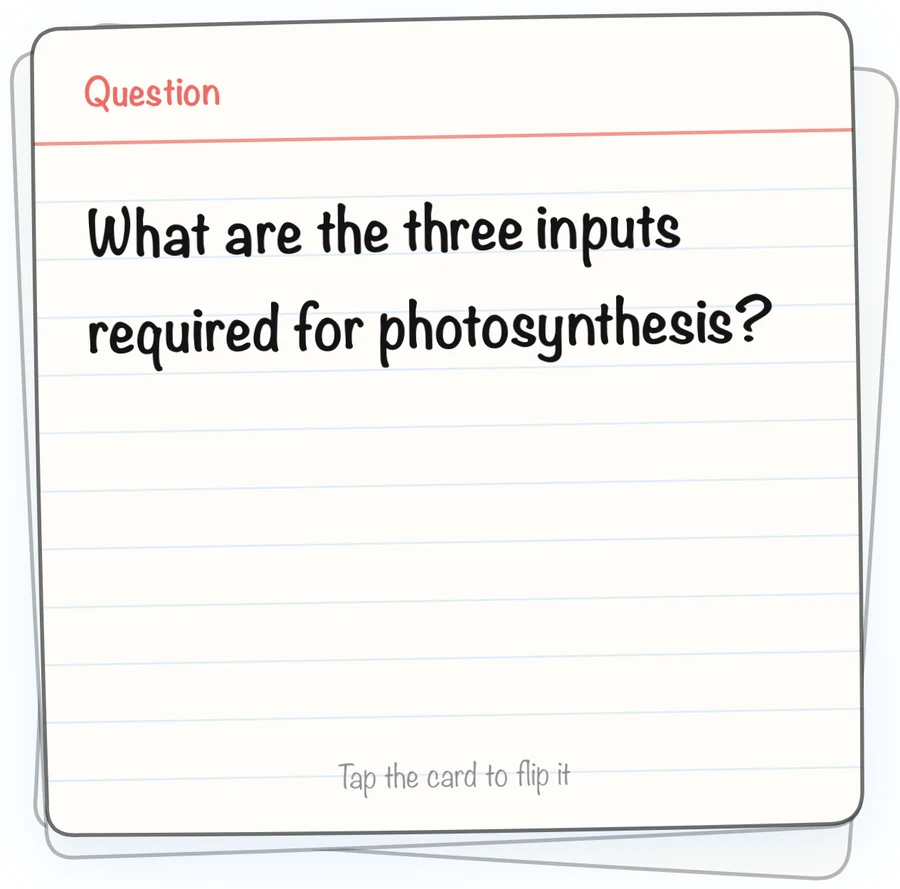
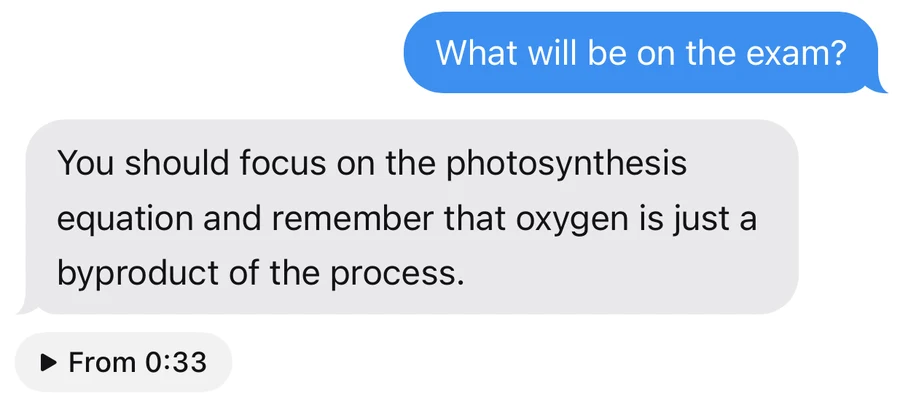
Every answer shows where it was said, so you can hear it again.
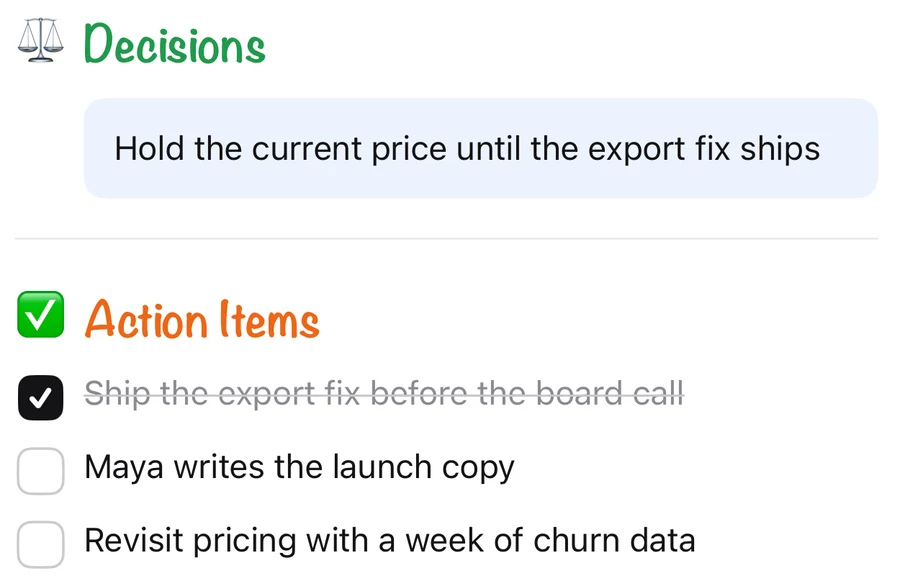
Decisions and action items, with who does what.
When the lecturer says it matters, it's in your note.
Put your phone down and listen. Your words show up as you speak, even with the screen locked.
Lectures, meetings, calls, interviews. Or bring in a voice memo, video, YouTube link, slides or a PDF.
Summary, key points, action items and pictures. Then quiz yourself or ask it anything.
Hi, I'm Prince. I'm building Lecture AI on my own, one late night at a time.
It started with one simple problem: you can't listen and write at the same time. So I built the thing that writes for you.
The new version, with a new name and almost everything rebuilt, is nearly ready. Join the list and you'll get one email the day it's out.
Very soon. Join the waitlist and you'll get one email the day it's on the App Store.
Your first 2 notes are free. After that, Lecture AI Pro has a weekly plan, or a yearly plan with a 3-day free trial.
You can record in more than 30 languages, and the app itself comes in 17. Your notes are written in the language you speak.
Voice memos, audio and video files, YouTube links, photos of slides or a whiteboard, and PDFs.
No account is needed. Your words show up live using Apple's own speech recognition on your phone. AI features only run if you turn them on, and then your recording is sent securely to write the transcript, notes and pictures.
Yes, on iPhone and iPad.

Be the first to know when Lecture AI is out.
One email when it launches. Nothing else.
We'll email you the day it's out.
 Lecture AI